A 2D game journey through language and lore

Lolong
Odyssey Word Explorer's Journey

A 2D educational adventure where every quest, puzzle, and conversation uncovers a piece of living cultural heritage — built for curious minds of any age.

The story

An adventure built on discovery

Lolong Odyssey sends players through vibrant, hand-crafted environments to complete quests, solve puzzles, and talk with characters who each carry a piece of cultural knowledge, tradition, or practice worth remembering.

Every level sets its own objectives, weaving learning into the exploration itself critical thinking and problem-solving become part of the fun rather than a separate lesson. It's built for students, educators, and anyone drawn to cultural heritage through play.

Whether you're clearing an obstacle, recovering a meaningful artifact, or piecing together a story from the past, each step is a small act of learning one meant to stay with you after the game is closed.
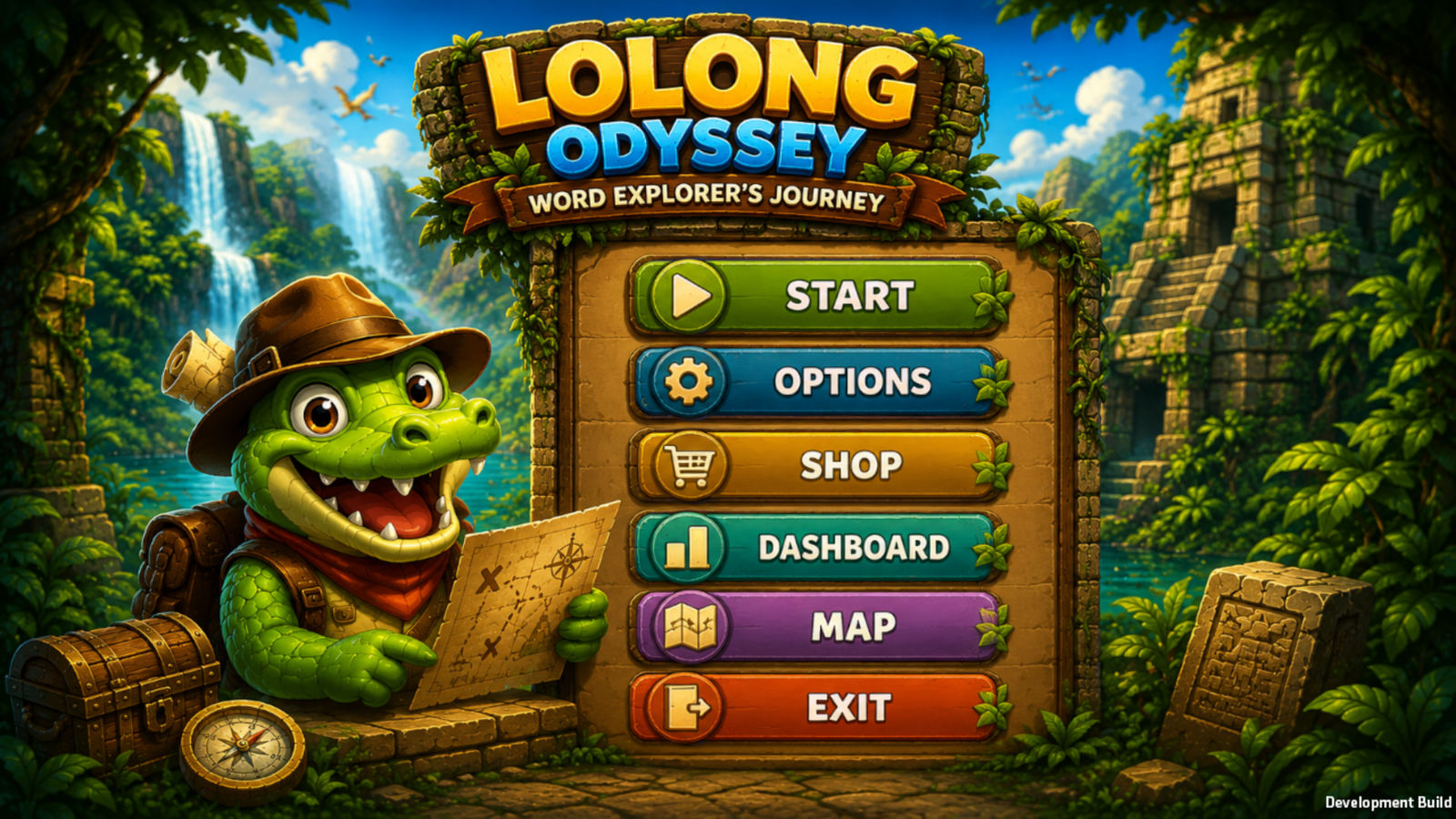
Lolong Odyssey main menu — Start, Options, Shop, Dashboard, Map, Exit

Everything starts here — jump into a chapter, gear up at the shop, or check the leaderboard.

How to play

Four ways to move through the journey

From opening the game to your first battle — here's the loop, shown straight from the game itself.

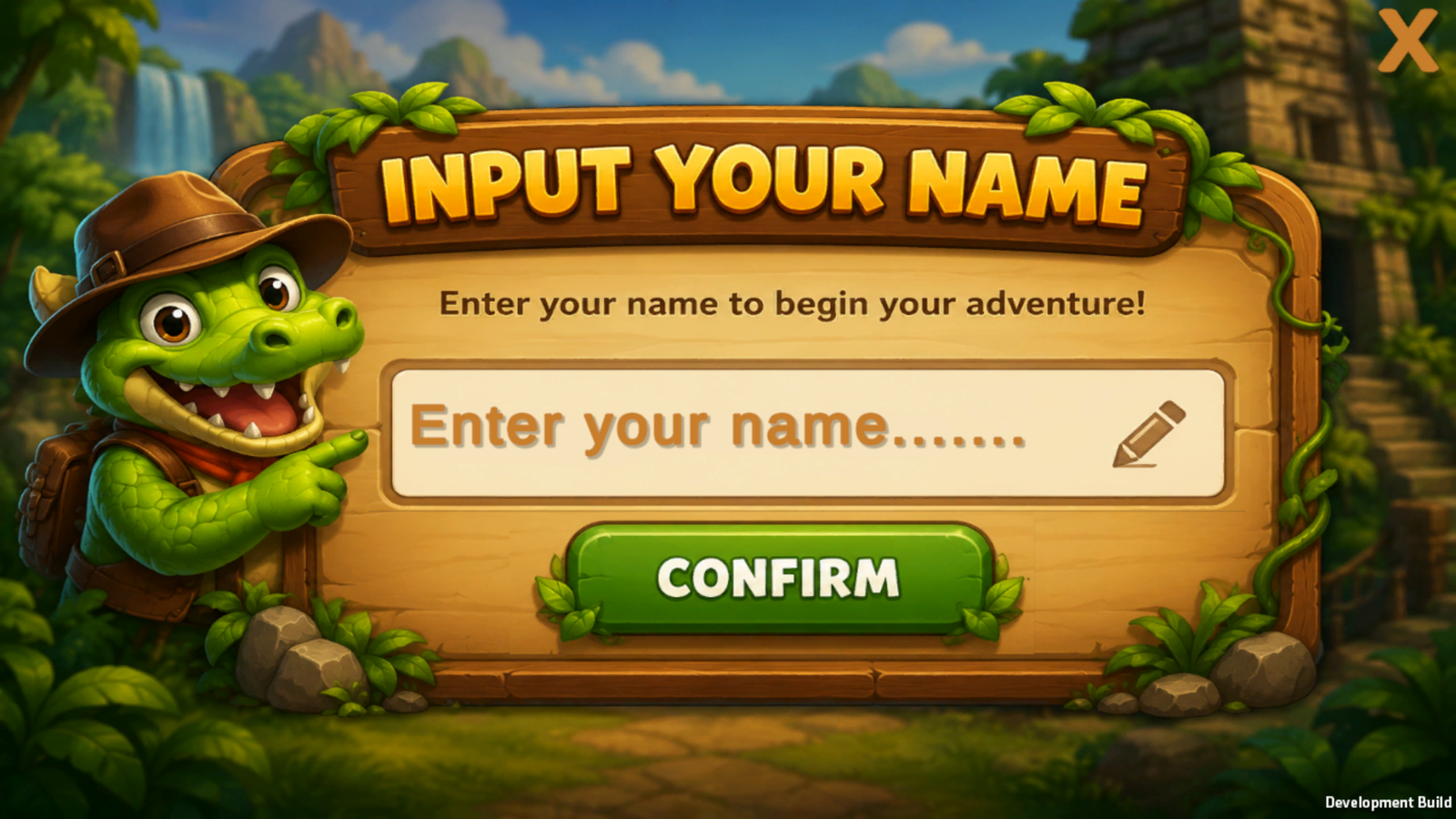
  1. Input your name screen
    1

    Name your explorer

    Enter a name to begin — it's what shows up on the leaderboard once you start racking up wins.

  2. 2

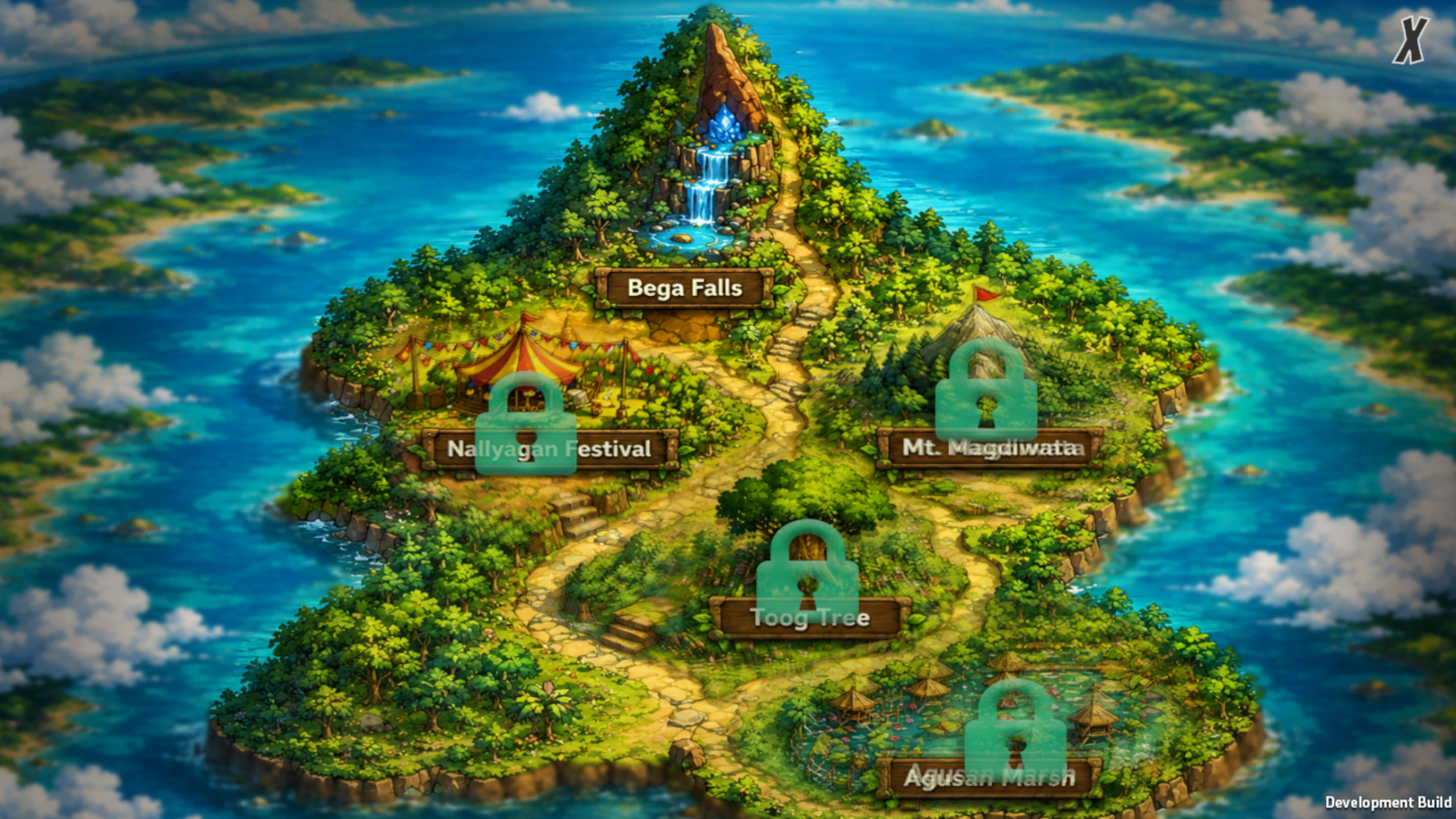
    Pick a spot on the map

    Choose a location like Bega Falls to start — the rest of the island unlocks as you clear each one.

    Island map showing Bega Falls, Nallyagan Festival, Mt. Magdiwata, Toog Tree, and Agusan Marsh
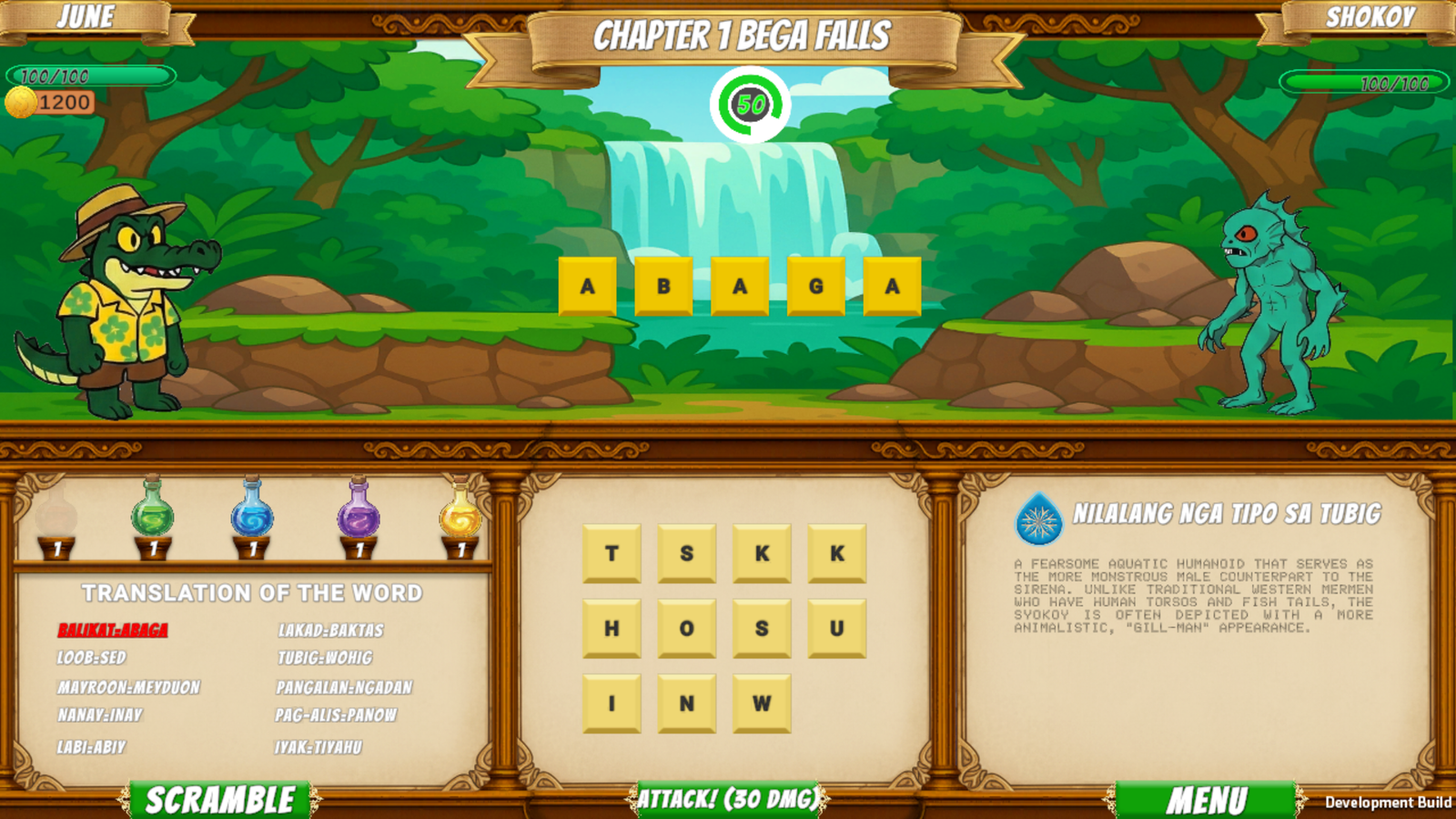
  3. Battle screen: unscrambling letter tiles to spell ABAGA and attack an enemy
    3

    Unscramble the word to attack

    Rearrange the letter tiles to spell the target word — get it right and you land a hit. A translation panel on the side helps when the word isn't one you know yet.

  4. 4

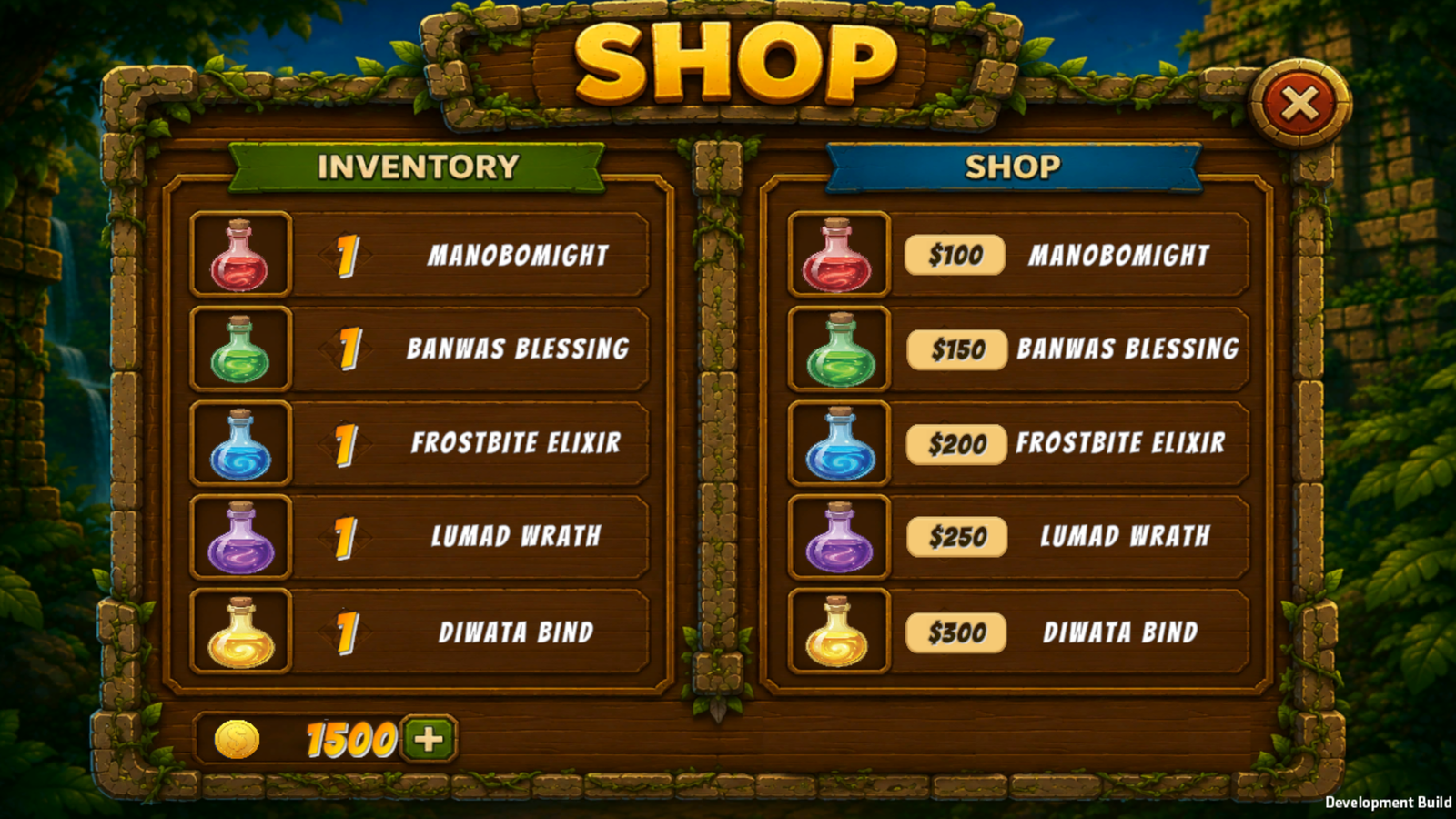
    Stock up at the shop

    Spend coins earned from battles on potions — like Frostbite Elixir or Lumad Wrath — to give yourself an edge.

    In-game shop with potions for sale, including Manobomight and Diwata Bind
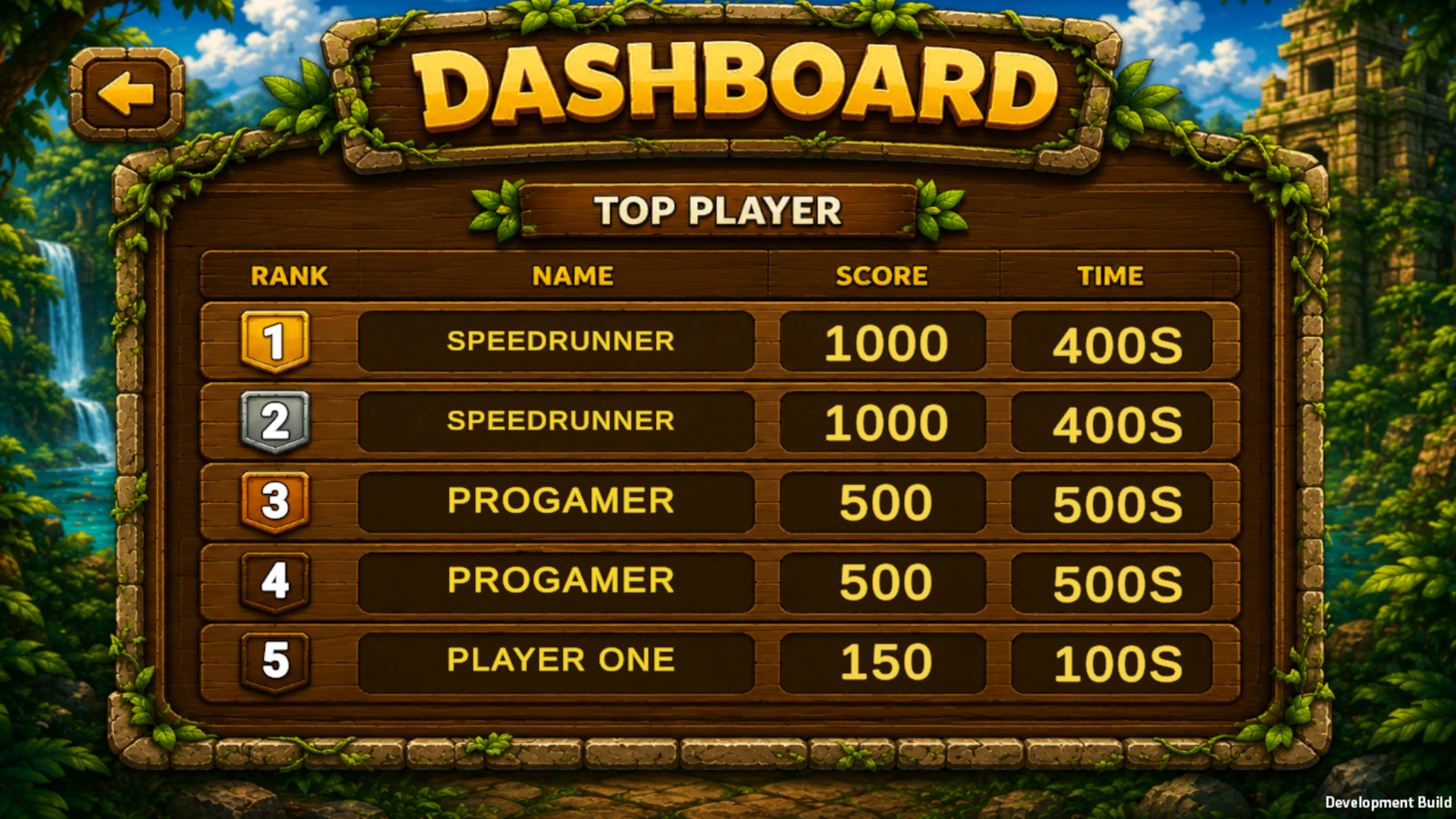
  5. Dashboard leaderboard ranking players by score and time
    5

    Climb the leaderboard

    Every run is scored on points and time — check the dashboard to see how you stack up.

Getting started

How to install

Runs on Windows. No installer, launcher, or extra setup — just extract and play.

  1. Download the LolongGame ZIP file from this page.

  2. Extract the ZIP file to your preferred folder.

  3. Open the extracted LolongGame folder.

  4. Double-click Lolong.exe to start the game.

  5. That's it — no additional installation is required.

Begin the journey

Extract, launch, and start exploring — Lolong Odyssey is ready whenever you are.

Download the Game